Ledger.com/start: A Complete Guide to Setting Up Your Ledger Wallet Securely
Introduction to Ledger.com/start
Ledger.com/start is a starting point for users who want to learn how to set up and manage a Ledger hardware wallet. Ledger wallets are designed to help individuals secure their cryptocurrency through offline private key storage. Whether you are new to cryptocurrency or an experienced digital asset holder, understanding the setup process is an important step toward protecting your digital investments.
A hardware wallet provides an additional layer of security by keeping private keys isolated from internet-connected devices. Through the official setup process, users can learn how to initialize their device, create a recovery phrase, and connect it with compatible wallet management software.
What Is a Ledger Hardware Wallet?
A Ledger hardware wallet is a physical device designed to protect cryptocurrency private keys. Unlike software wallets that operate on internet-connected devices, hardware wallets store private keys in a secure environment.
Users can manage supported digital assets, review transactions, and approve transfers using their physical device. This approach helps reduce exposure to online threats, including malicious applications and certain types of phishing attacks.
Ledger devices support various cryptocurrencies and blockchain networks, making them useful for people who manage multiple digital assets.
Why Use Ledger.com/start for Wallet Setup?
Following the official setup instructions helps users understand the correct steps for preparing their hardware wallet. It also helps them recognize important security practices before transferring cryptocurrency.
Some important benefits include:
Secure initialization: Learn how to configure your hardware wallet correctly.
Recovery phrase protection: Understand how to create and protect your recovery phrase.
Asset management: Explore compatible applications for managing supported cryptocurrencies.
Transaction verification: Review transaction information directly on your device.
Security awareness: Learn how to identify suspicious websites and unauthorized software.
Always access setup instructions through Ledger's verified official channels.
How to Set Up a Ledger Wallet
Setting up a Ledger hardware wallet involves several important steps. Following them carefully can help prevent common mistakes.
Step 1: Prepare Your Ledger Device
Unpack your Ledger device and check that it appears genuine and has no signs of tampering. Follow the manufacturer's instructions to power on the device.
Step 2: Install the Official Application
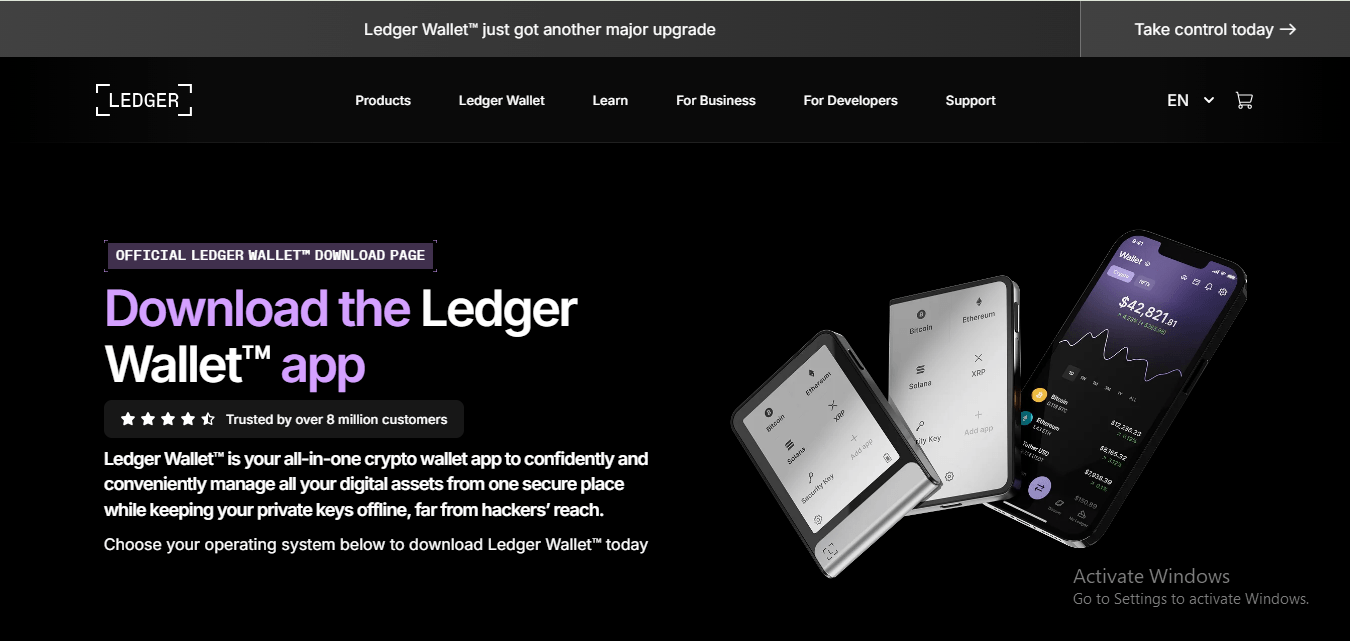
Download Ledger Wallet software, commonly known as Ledger Live, through Ledger's official website or an authorized application store. Avoid unofficial downloads and suspicious advertisements.
Step 3: Initialize Your Wallet
Follow the instructions displayed on your device. Depending on your model, you can create a new wallet or restore an existing wallet using its recovery phrase.
Step 4: Create a PIN Code
Choose a strong PIN code to protect access to your hardware wallet. Avoid predictable combinations and never share your PIN with anyone.
Step 5: Secure Your Recovery Phrase
Your recovery phrase is essential for restoring wallet access if your device is lost, damaged, or replaced. Write it down accurately and store it somewhere private and secure.
Never share your recovery phrase online, enter it into an unfamiliar website, or provide it to someone claiming to offer technical support.
Managing Cryptocurrency With Ledger Live
Ledger Live provides an interface for managing supported cryptocurrency accounts and interacting with compatible services. Users can check balances, review transaction histories, and manage supported digital assets.
Before sending cryptocurrency, carefully verify the recipient address, blockchain network, and transaction details. Always confirm the information displayed on your hardware wallet before approving a transaction.
Important Security Tips for Ledger Users
Protecting cryptocurrency requires more than purchasing a hardware wallet. Good security habits are equally important.
Never share your recovery phrase or PIN.
Download applications only from verified sources.
Check wallet addresses before approving transactions.
Keep your device firmware updated through official procedures.
Ignore unexpected messages requesting recovery information.
Never approve transactions you do not recognize.
Be cautious of fake Ledger support accounts and websites.
Remember that Ledger support representatives should never need your recovery phrase.
Common Ledger Wallet Setup Problems
Some users may experience connection issues, outdated software notifications, or difficulties recognizing their hardware wallet. Restarting the application, checking the USB connection, and following official troubleshooting instructions may help resolve common problems.
If an issue continues, consult verified Ledger support resources. Never disclose confidential wallet information while requesting assistance.
Conclusion
Ledger.com/start provides a useful starting point for understanding Ledger hardware wallet setup and security practices. From initializing a device to protecting recovery information and managing supported cryptocurrencies, every step plays an important role in maintaining wallet security.
By following verified setup instructions, using official software, and practicing safe cryptocurrency management, users can make more informed decisions when protecting their digital assets. Always remember that your recovery phrase belongs only to you, and keeping it private is one of the most important responsibilities of owning a hardware wallet.